
Local SEO
Google Business Profile Optimization for HVAC: The Setup That Drives Calls (Not Just Views)
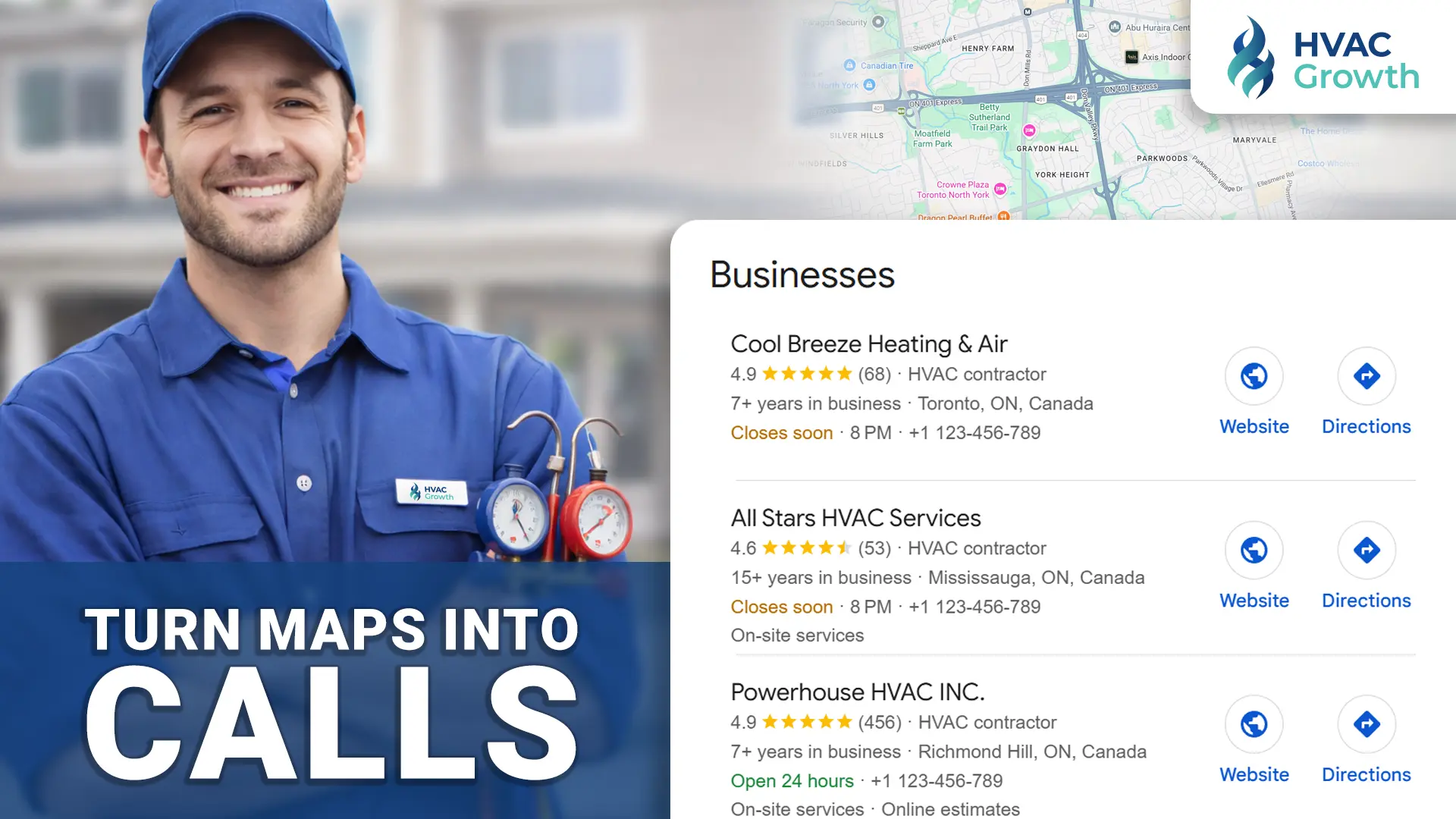
Your Google Business Profile is the most direct control surface you have for local HVAC visibility. It determines whether your company appears when homeowners search for emergency repairs, seasonal maintenance, or system installations in your service area. Yet most HVAC contractors treat their profile as a set-it-and-forget-it listing rather than what it actually is: the front door to their business in Google Maps and local search results.
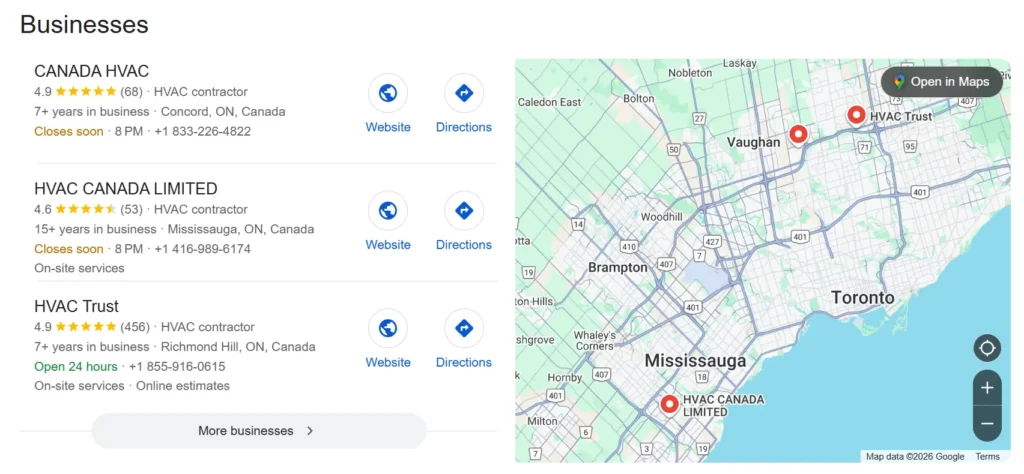
The difference between a profile that generates consistent calls and one that collects digital dust comes down to configuration decisions that are specific to how HVAC businesses operate. Generic optimization advice written for restaurants or retail stores does not translate well to service-area businesses that dispatch technicians to customer locations. This guide covers the exact setup decisions that matter for HVAC contractors who want their Google Business Profile to drive phone calls and booked jobs—not just impressions and views.
Who This Article Is For (And Who It Is Not For)
This article is written for HVAC contractors and office managers who want a practical, step-by-step approach to configuring their Google Business Profile correctly. If you are looking for a full local SEO strategy, a deep dive on review generation, or guidance on fixing a suspended listing, those topics require their own dedicated coverage. Here, we focus specifically on profile setup and configuration—the foundation that everything else depends on.
If your profile is already fully configured and you are trying to understand why you are not ranking, the issue may be citations, reviews, or website authority rather than profile setup. But if you have never systematically worked through your GBP settings, or you inherited a profile that someone else set up years ago, this is where to start.
Why GBP Matters More for HVAC Than Most Industries
HVAC is an urgency-driven industry. When a furnace fails in January or an air conditioner stops working during a heat wave, homeowners do not spend days researching options. They search, scan the results, and call someone who looks credible and available. This compressed decision window is why Google Maps visibility converts faster than almost any other marketing channel for HVAC contractors.
Your Google Business Profile appears in three primary contexts: the Maps pack (the three local results that appear near the top of search results), branded searches for your company name, and “near me” queries like “AC repair near me” or “furnace service near me.” Each of these touchpoints represents a homeowner actively looking for service—not passively browsing content.
However, GBP has limitations. It cannot compensate for a poor reputation, weak website, or inconsistent citations across the web. What it can do is ensure that when Google evaluates your business for local relevance, it has accurate, complete, and well-structured information to work with. That is what proper configuration accomplishes.
Choosing the Correct Business Model
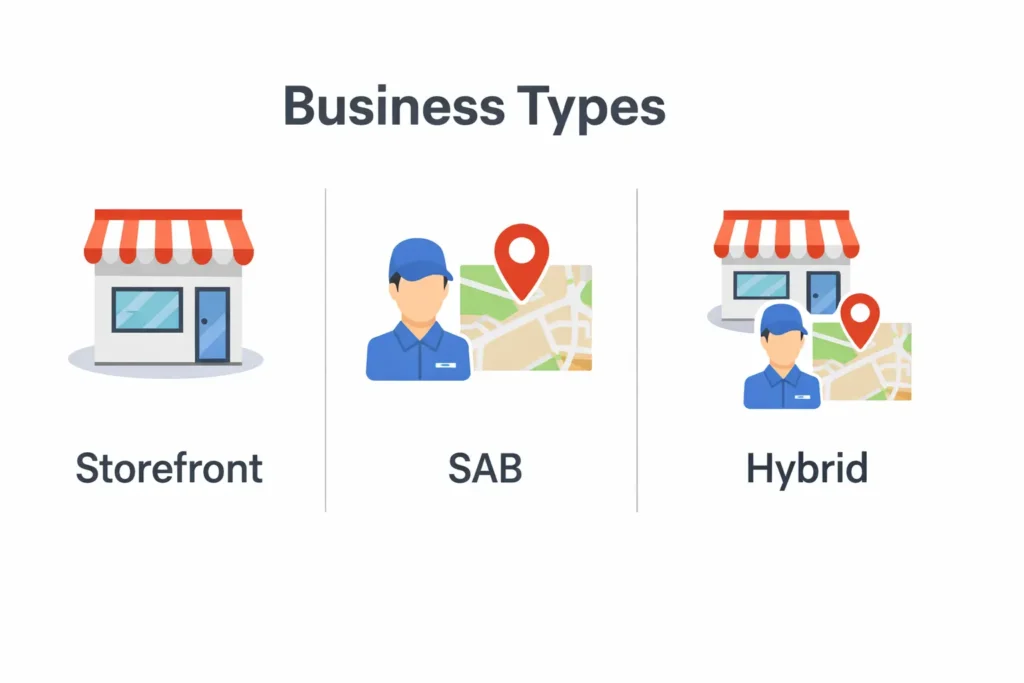
The single most important configuration decision for HVAC contractors is selecting the correct business model. Google distinguishes between three types:
- Storefront businesses have a physical location that customers visit (like a retail showroom)
- Service-area businesses (SABs) travel to customer locations and do not serve customers at their business address
- Hybrid businesses both serve customers at their location and travel to customer locations
Most HVAC contractors operate as service-area businesses. Technicians dispatch from a shop or office but customers never visit that location for service. In this case, Google’s guidelines state that you should hide your address and define your service area instead. This is not optional—displaying an address where customers cannot receive service violates Google’s guidelines and creates suspension risk.
If you have a showroom where customers can browse equipment or pick up parts, you may qualify as a hybrid. In that case, you can display your address while also defining a service area. The key distinction is whether customers actually visit your location as part of receiving service.
Service Area Configuration
When defining your service area, keep it realistic. Google allows you to specify cities, postal codes, or regions, but claiming an entire province or unrealistically large territory triggers spam signals. Define the areas where you actually dispatch technicians regularly—your core service area—rather than aspirational coverage.
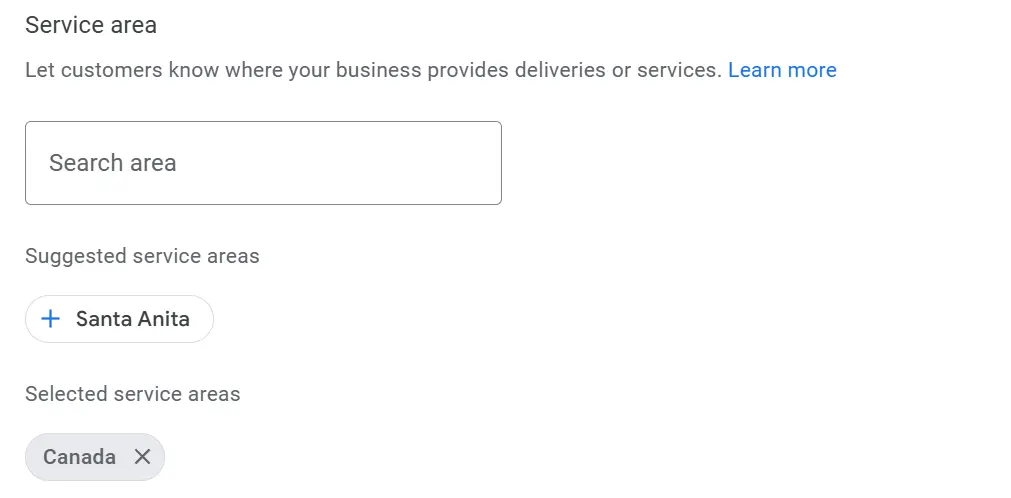
For multi-location HVAC companies, each location should have its own Google Business Profile with its own service area. Do not try to cover multiple distinct metro areas from a single listing. If you have shops in two cities, you need two profiles, each with its own verification and service area definition.
Category Setup: Primary vs Secondary
Your primary category tells Google what your business fundamentally is. For most HVAC contractors, the primary category should be HVAC Contractor. This is the “is a” category—your business is an HVAC contractor.
Secondary categories let you indicate additional services you offer. Common secondary categories for HVAC businesses include:
- Air Conditioning Repair Service
- Furnace Repair Service
- Heating Contractor
- Air Duct Cleaning Service (if you offer this)
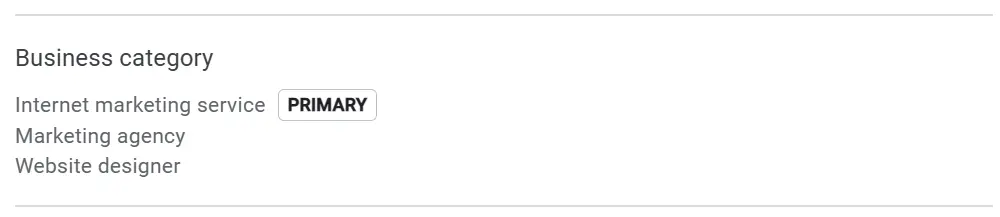
The goal is not to add every possible category but to accurately represent what you do. Adding irrelevant categories dilutes your relevance signals. If you do not offer duct cleaning, do not add that category hoping it will generate leads—it will confuse Google’s understanding of your business and may suppress your visibility for the services you actually provide.
You cannot create custom categories. Google maintains a fixed list, and you must choose from available options. If your specific service is not listed, select the closest relevant category.
Services vs Service Areas: How to Structure Them
The services section of your profile lets you list specific offerings. This is where HVAC contractors should be thorough and specific. Structure your services by category:
Repairs:
- Air conditioning repair
- Furnace repair
- Heat pump repair
- Boiler repair
- Thermostat troubleshooting
Installations:
- Central air conditioning installation
- Furnace installation
- Heat pump installation
- Ductless mini-split installation
- Smart thermostat installation
Maintenance:
- AC tune-up
- Furnace maintenance
- Preventive maintenance plans
Specialty Services:
- Indoor air quality solutions
- 24/7 emergency service
- Commercial HVAC (if applicable)
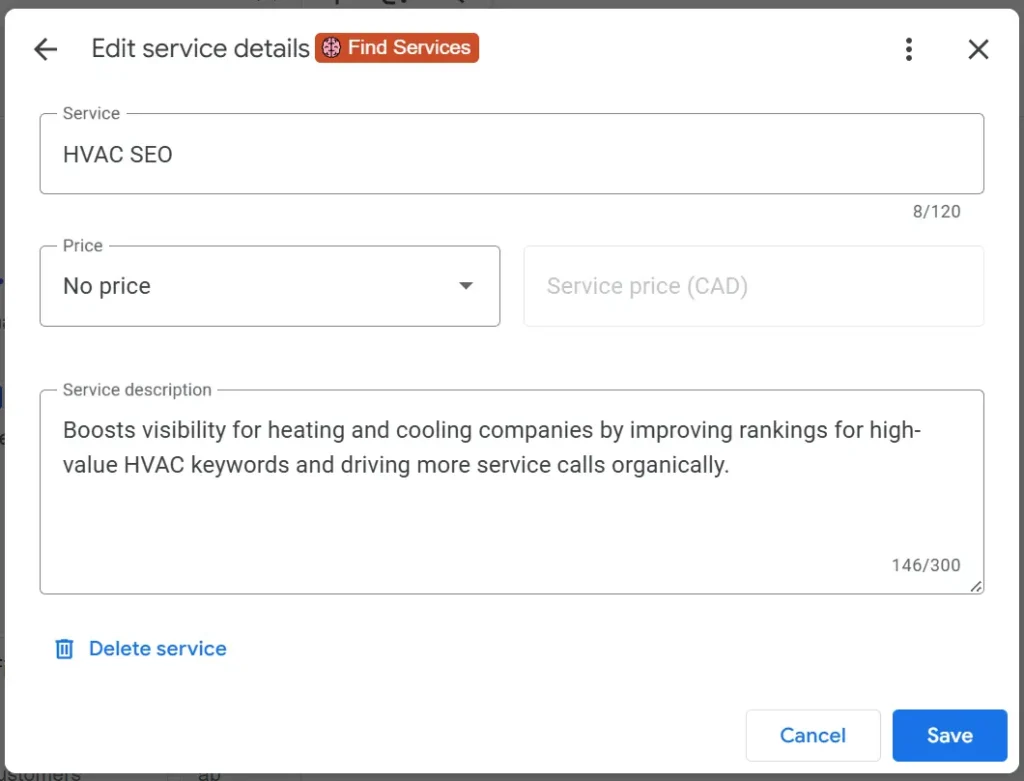
Do not stuff location keywords or “24/7” into every service name. This looks spammy and provides no ranking benefit. Simply list your services clearly and let the service area configuration handle geographic relevance.
Business Description Optimization
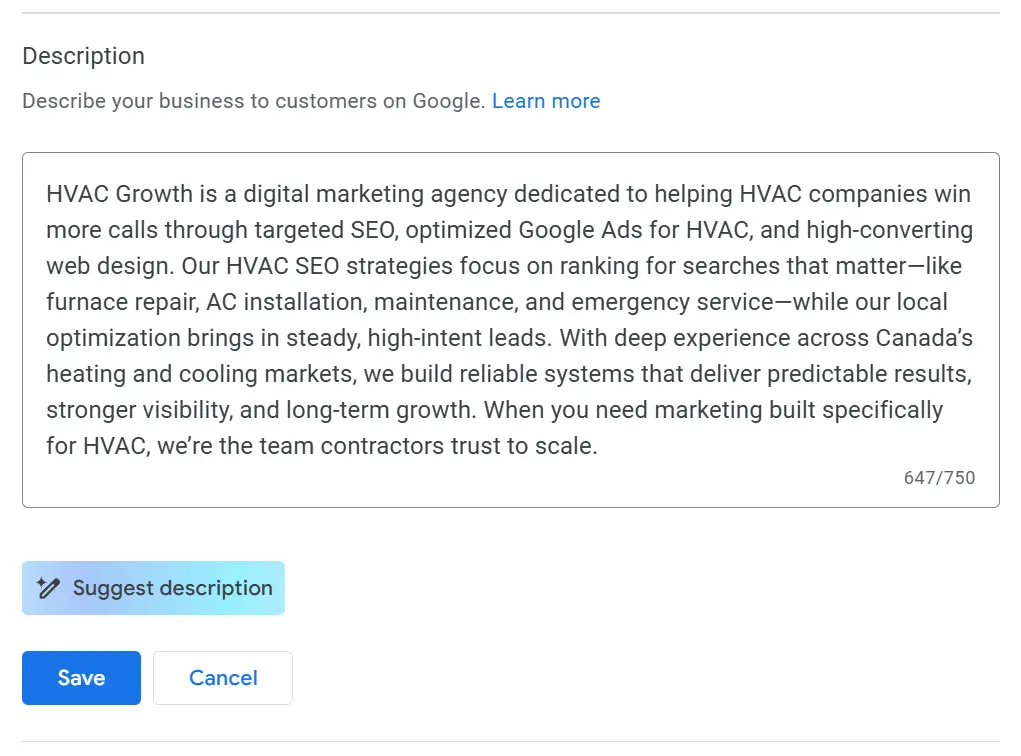
Your business description has a 750-character limit. The structure that works best for HVAC contractors follows this pattern:
- Open with what you do and where: Identify your core services and general coverage area in the first sentence.
- List your main service lines: Briefly mention repairs, installations, maintenance, and any specialty services.
- Include trust signals: Years in business, licensing, certifications, or family ownership if applicable.
- End with a service commitment: Emergency availability, response times, or service guarantees.
Here is a compliant example:
“[Company Name] provides residential heating and cooling services throughout [City/Region]. We handle AC repair, furnace installation, heat pump service, and preventive maintenance for homeowners who need reliable comfort solutions. Licensed and insured with [X] years serving local families. Available for same-day emergency repairs when your system fails unexpectedly.”
What to exclude from your description:
- URLs (Google strips them anyway)
- Promotional pricing or discount offers
- Keyword stuffing or repeated phrases
- Claims you cannot substantiate
Google’s guidelines prohibit promotional content in descriptions. Keep it informational and factual.
Photos and Updates That Actually Matter
Photos build trust with homeowners who are evaluating HVAC contractors. The types of photos that matter most for HVAC businesses include:
- Crew photos: Show your technicians in uniform or branded clothing. This humanizes your business and signals professionalism.
- Service vehicles: Wrapped trucks demonstrate legitimacy and brand presence.
- Job site photos: Before and after shots of equipment installations show your work quality.
- Certifications and licenses: Photos of credentials build trust.
- Equipment: Photos of the brands and systems you install.
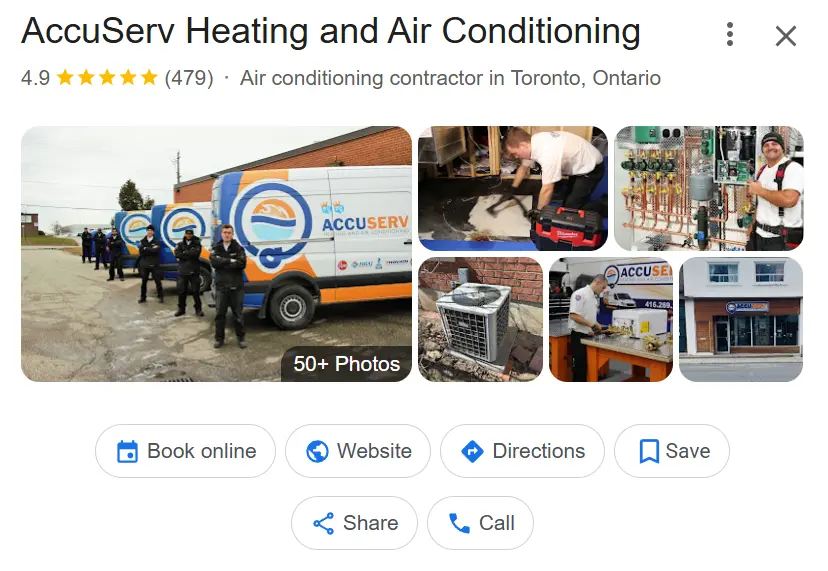
Add new photos regularly—monthly is a reasonable cadence for most contractors. This activity signals to Google that your business is active and engaged. You do not need to add dozens of photos at once. Consistent, steady additions over time work better than sporadic bulk uploads.
Video can help but requires more effort. If you create video content, a brief introduction from the owner or a walkthrough of a completed installation can differentiate your profile. However, photos deliver most of the trust-building benefit with less production effort.
Posts, Q&A, and Activity Signals
Google Business Profile posts appear on your profile and occasionally in search results. They serve as activity signals that demonstrate your business is actively engaged. However, posts have a short lifespan and limited direct impact on rankings, so the goal is a sustainable cadence rather than constant posting.
Effective post topics for HVAC contractors by season:
- Winter: Emergency heating repair availability, furnace safety tips, “no heat” response messaging
- Spring: AC tune-up reminders, seasonal maintenance availability, allergy season IAQ tips
- Summer: Emergency AC repair messaging, cooling system efficiency tips, “no cool” response availability
- Fall: Furnace maintenance reminders, heating system preparation, holiday scheduling notices
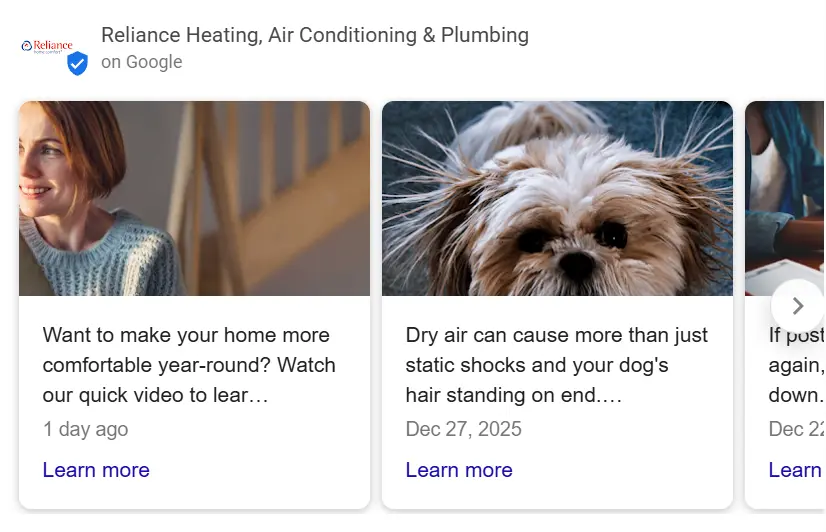
One to two posts per month is sufficient for most contractors. More frequent posting shows diminishing returns and creates unsustainable content demands.
The Q&A section lets you seed common questions and answer them yourself. This is underutilized by most HVAC contractors. Add questions your office staff hears regularly:
- “Do you offer financing?”
- “What areas do you service?”
- “Do you provide emergency service?”
- “How quickly can you get a technician out?”
Answer each question clearly and completely. This pre-empts customer concerns and provides useful information directly in your profile.
Tracking Calls Without Breaking NAP Consistency
Measuring calls from your Google Business Profile matters, but implementation requires care. Your phone number must remain consistent across your website, citations, and GBP—this is NAP (Name, Address, Phone) consistency, a foundational local SEO requirement.
For the website link on your profile, use UTM parameters to track visits in Google Analytics. This lets you see traffic from your GBP without affecting phone number consistency.
Call tracking numbers are more complicated. If you use a tracking number on your GBP, that same number must appear on your website and in your citations to maintain consistency. Dynamic number insertion on your website that shows different numbers to different visitors creates NAP inconsistency that can suppress rankings.
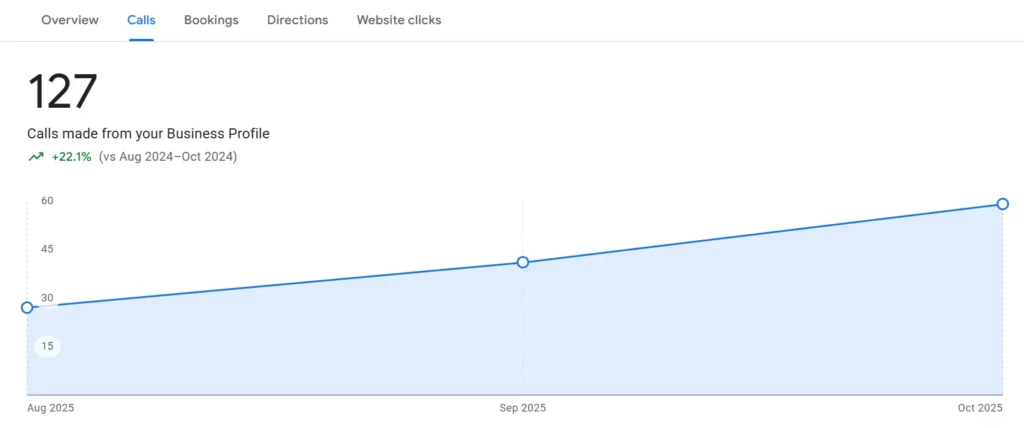
The safest approach: use your primary business phone number on your GBP and citations, implement UTM tracking for web traffic, and use GBP’s built-in performance metrics (calls, direction requests, messages) as your primary measurement.
Common HVAC GBP Mistakes and How to Fix Them
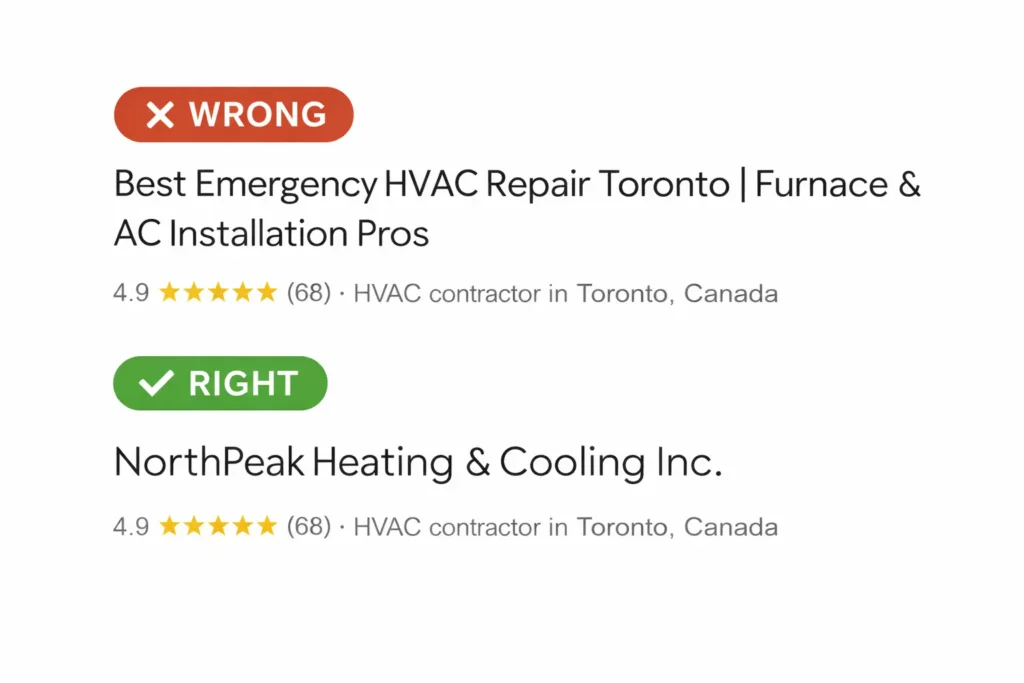
Business name stuffing: Adding keywords or locations to your business name that are not part of your legal business name violates guidelines and frequently results in suspension. If your business is “Smith Heating & Cooling,” do not list it as “Smith Heating & Cooling – 24/7 Emergency HVAC Repair [City Name].” Use your actual business name only.
Wrong address visibility: If you are a service-area business that does not serve customers at your location, hide your address. Displaying an address where customers cannot receive service creates guideline issues.
Unrealistic service areas: Claiming an entire province or region when you realistically only serve a few cities triggers spam signals. Define your actual service area.
Duplicate or outdated listings: If technicians who previously worked for you created their own listings using your business address, or if old listings from previous business names still exist, these create confusion. Identify and request removal of duplicate listings.
Inconsistent hours: Make sure your hours are accurate, including special hours for holidays. If you offer 24/7 emergency service, your hours can reflect standard business hours with emergency availability noted in your description and services.
GBP Optimization Checklist for HVAC Contractors
Use this checklist to audit your current profile or guide initial setup:
Business Model:
- Correct business type selected (storefront, SAB, or hybrid)
- Address visibility appropriate for your model
- Service area defined with realistic coverage
Categories:
- Primary category set to HVAC Contractor (or most relevant option)
- Secondary categories reflect actual services offered
- No irrelevant categories added
Services:
- Complete service list organized by category
- No keyword stuffing in service names
- Descriptions added where helpful
Business Description:
- Under 750 characters
- Includes services, coverage area, and trust signals
- No URLs, promotional content, or keyword spam
Photos:
- Crew, vehicles, and job site photos uploaded
- Photos added regularly (at least monthly)
- No stock photos or irrelevant images
Posts and Q&A:
- Seasonal posts scheduled (1-2 per month)
- Common questions seeded and answered
Compliance:
- Business name matches legal name exactly
- Phone number consistent across GBP, website, and citations
- Hours accurate including holiday hours
- No duplicate listings
The Foundation for Everything Else
Proper Google Business Profile configuration is necessary but not sufficient for your local HVAC visibility system. It creates the foundation that reviews, citations, and website authority build upon. A perfectly configured profile with no reviews will still struggle. A well-reviewed business with a misconfigured profile leaves visibility on the table.
The contractors who consistently appear in the Maps pack for high-intent HVAC searches have aligned all three elements: correct profile configuration, strong review profiles, and consistent citations across the web. This article addressed the first element—the configuration foundation that makes everything else possible.
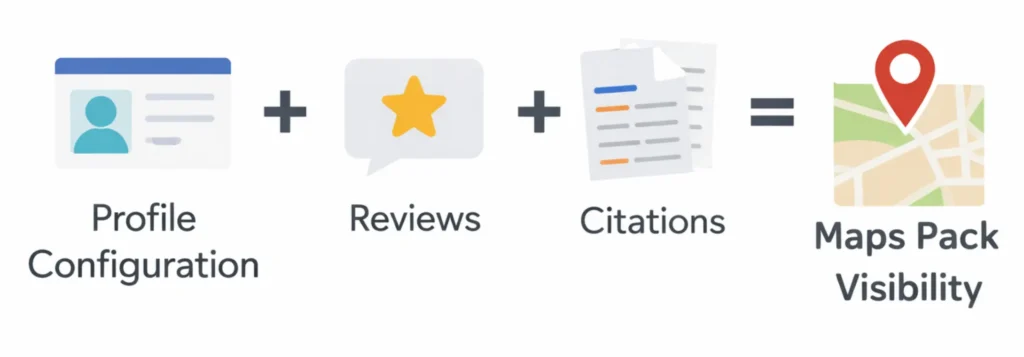
If you have not systematically audited your Google Business Profile against these criteria, start there before investing in other local SEO tactics. Configuration mistakes can suppress your visibility regardless of how much effort you put into reviews or content. Getting the foundation right first ensures that subsequent efforts actually compound rather than being undermined by preventable setup issues.
Frequently Asked Questions
Business name stuffing like adding “24/7 AC Repair [City]”—use your exact legal name only. Also hide addresses for SABs and stick to real service areas to dodge spam flags.
Most HVAC companies are service-area businesses (SABs)—hide your address since customers don’t visit, and define your realistic service area to avoid suspension. If you have a customer showroom, go hybrid and show the address.
List them clearly by type (e.g., Repairs: AC repair; Installations: Heat pump installation) without stuffing in “24/7” or locations. Your service area handles geography, so keep names straightforward and specific to what you do.
Yes, set HVAC Contractor as primary to match what you are. Add relevant secondaries like Air Conditioning Repair Service or Furnace Repair Service only for services you actually offer—irrelevant ones dilute your relevance.
Upload crew in uniforms, branded service vehicles, job site before/afters, certifications, and equipment—these show professionalism. Add a few monthly to signal activity, skipping stock images.

Take the first step toward calm, connected parenting
Book a free growth call and discover what's possible for your business.
Book Your Free Call